Not every team needs an enterprise budget to stay organized. Several project management tools now offer genuinely usable free plans — not stripped-down trials, but real, ongoing free tiers that small teams and solo users can run their actual work on.
Quick Answer
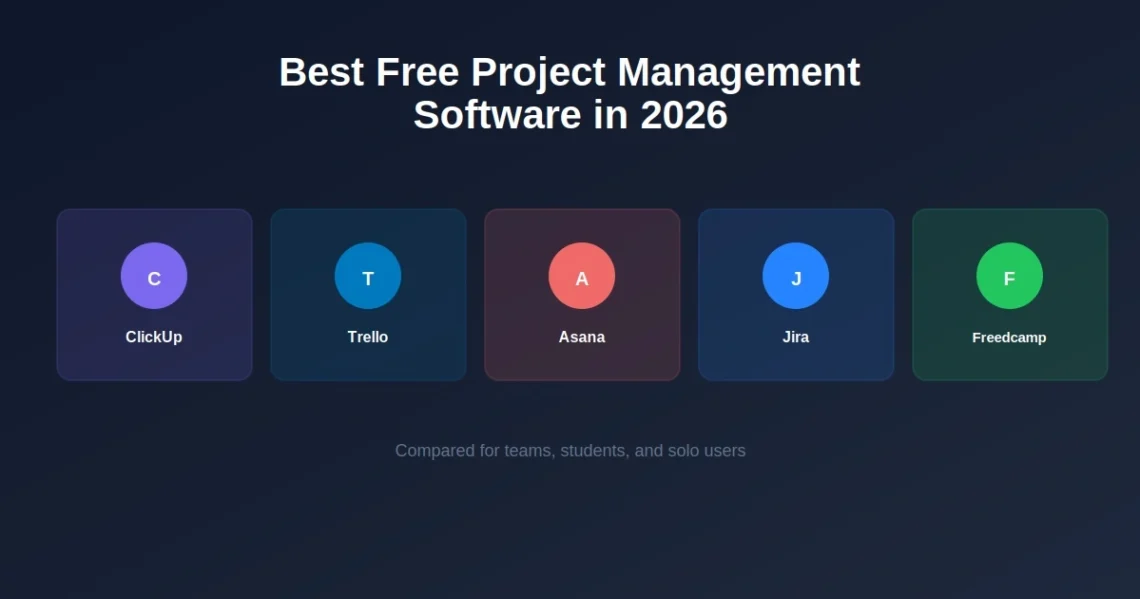
The best free project management software in 2026 includes ClickUp (best for feature depth, with unlimited tasks and users on its free plan), Trello (best for visual Kanban tracking), Asana (best for basic team collaboration), and Jira (best for agile software teams). Freedcamp stands out for managing multiple projects without strict project caps. The right pick depends mainly on team size, whether you need Gantt charts, and how visual you want your workflow to feel.
ClickUp: Best for Feature Depth
ClickUp’s free plan is unusually generous — unlimited tasks and unlimited users, plus multiple ways to view your work (list, board, calendar). For teams that want a lot of functionality without immediately hitting a paywall, ClickUp packs in more than most competitors at the free tier.
The tradeoff is that ClickUp’s sheer number of features can feel like a lot to learn upfront, especially for teams that just want a simple task list.
Trello: Best for Visual, Simple Tracking
Trello remains the go-to for teams that think visually. Its Kanban board layout — cards moving through columns — is intuitive enough that most people understand it within minutes, no onboarding required. The free plan includes up to 10 boards per workspace with unlimited cards, which covers most small teams and personal projects comfortably.
Where Trello falls short on the free tier is advanced views — calendar and timeline views are typically locked behind a paid plan, a limitation worth knowing about if visual flexibility matters to you beyond the basic board.
Asana: Best for Basic Team Collaboration
Asana‘s free tier supports unlimited projects and tasks for small teams, with list, board, and calendar views included. It strikes a reasonable middle ground between Trello’s simplicity and ClickUp’s depth — enough structure for real team collaboration without becoming overwhelming.
Asana tends to work particularly well for teams that need clear task ownership and deadlines tracked across multiple people, rather than solo task management.
Jira: Best for Agile and Software Teams
Jira’s free plan supports unlimited projects and backlog views for up to 10 users, making it a natural fit for software development teams already working in sprints or agile frameworks. It’s less intuitive for non-technical teams, but for engineering workflows specifically, it remains an industry standard even at the free tier.
Freedcamp: Best for Multiple Projects Without Caps
Freedcamp’s standout feature is the lack of strict project limits on its free plan, which matters for anyone juggling several projects at once without wanting to pay per additional project. It’s less polished than some competitors visually, but functionally solid for teams that need breadth over flashy design.
Free Project Management Software Comparison
| Tool | Best For | Free Plan Highlights |
| ClickUp | Feature depth | Unlimited tasks and users, multiple views |
| Trello | Visual simplicity | 10 boards/workspace, unlimited cards |
| Asana | Team collaboration | Unlimited projects/tasks for small teams |
| Jira | Agile/software teams | Unlimited projects, up to 10 users |
| Freedcamp | Multiple projects | No strict project caps |
Which Free PM Tool Makes Sense for a Small Business?
For a small business specifically, Asana and Trello tend to be the most practical starting points — both are approachable without technical setup, and both scale reasonably as a team grows past just a few people. If the team frequently juggles many concurrent projects rather than one at a time, Freedcamp’s uncapped project structure is worth a closer look.
Best Free Project Management Software With a Gantt Chart
Gantt charts are one of the more commonly requested features that many free plans restrict. Among the tools covered here, Gantt-style timeline views are more often a paid-tier feature — worth confirming directly on each tool’s current pricing page before committing, since free-tier feature sets shift periodically as these platforms compete for users.
Best Free Project Management Software for Students and Personal Use
For individual or student use, Trello’s simplicity is usually the easiest entry point — a single board can organize coursework, deadlines, and personal projects without any real learning curve. ClickUp’s free plan is also a strong option for students who want more structure (multiple views, subtasks) without paying anything.
Open Source Free Project Management Software
For teams or individuals who want full control and no dependency on a third-party company’s pricing changes, open-source options exist as an alternative to the hosted tools above. These typically require self-hosting, meaning more setup work, but no ongoing per-user costs and full access to the underlying code.
How to Choose the Right One
A few practical questions narrow this down quickly:
- Solo or small team? Trello or ClickUp cover most individual and small-team needs comfortably.
- Software/engineering team? Jira remains the standard for sprint-based, agile workflows.
- Managing many projects at once? Freedcamp’s lack of project caps is a genuine advantage.
- Need heavy customization? ClickUp’s feature depth outpaces the others on the free tier.
- Already using automation tools? If you’re connecting your project tracker to other apps, it’s worth checking how well each option integrates with tools like Zapier or Make before committing.
Free Project Management Software vs. Notion
It’s worth noting that tools built specifically for project management (Trello, Asana, ClickUp, Jira) differ from more general workspace tools like Notion, which can also handle task tracking but isn’t purpose-built for it in the same way. For teams that want project tracking alongside documentation and notes in one place, Notion vs Trello is worth a closer look before deciding between a dedicated PM tool and a flexible workspace.
Conclusion
Free project management software has genuinely closed the gap with paid tools over the past few years — for most solo users and small teams, a free plan from ClickUp, Trello, Asana, Jira, or Freedcamp will cover real, day-to-day work without ever needing an upgrade. Rather than chasing whichever tool ranks ‘best’ on paper, it makes more sense to match each one’s strengths against how your team actually operates. tool is “best” overall and more to match the tool’s strengths to how your team actually works: visual and simple, feature-rich, agile-focused, or built around handling many projects at once. Try two or three of the options above directly — since they’re free, there’s no real cost to testing before committing.
Frequently Asked Questions
Which is the best free project management Software?
It depends on your needs. ClickUp offers the most features on its free plan, Trello is the simplest for visual tracking, Asana works well for basic team collaboration, and Jira is the standard for agile software teams.
Is there truly free project management software with no limits?
Most free plans include some limits — user caps, board limits, or restricted views. Freedcamp stands out for not capping the number of projects, though other limits may still apply depending on team size and features used.
Is Microsoft Project free?
No, Microsoft Project is a paid product. Microsoft does offer Microsoft Planner as a lighter-weight, more accessible alternative included with certain Microsoft 365 plans.
Is there a free Google project management tool?
Google doesn’t offer a dedicated standalone project management tool, but Google Sheets and Google Tasks are commonly used together as a lightweight, free alternative for simple project tracking.
What’s the best free project management software with a Gantt chart?
Gantt chart access varies by platform and often sits behind a paid tier even on otherwise generous free plans, so it’s worth checking each tool’s current free-tier feature list directly before choosing based on this specific need.
Is free project management software good enough for a real business?
For small teams and straightforward workflows, yes — tools like Asana, Trello, and ClickUp are genuinely capable on their free tiers. Larger teams or more complex workflows tend to outgrow free plans as they need more users, storage, or advanced features.